Study less. Score more.
Hypermed teaches to 11,789 exam points identified by analyzing every question from the past 10 years of the Korean Medical Licensing Examination. Questions you miss go into your review queue automatically, and the FSRS algorithm schedules each review just before you would forget it.
We will offer a one-week free trial when we open. No card required.
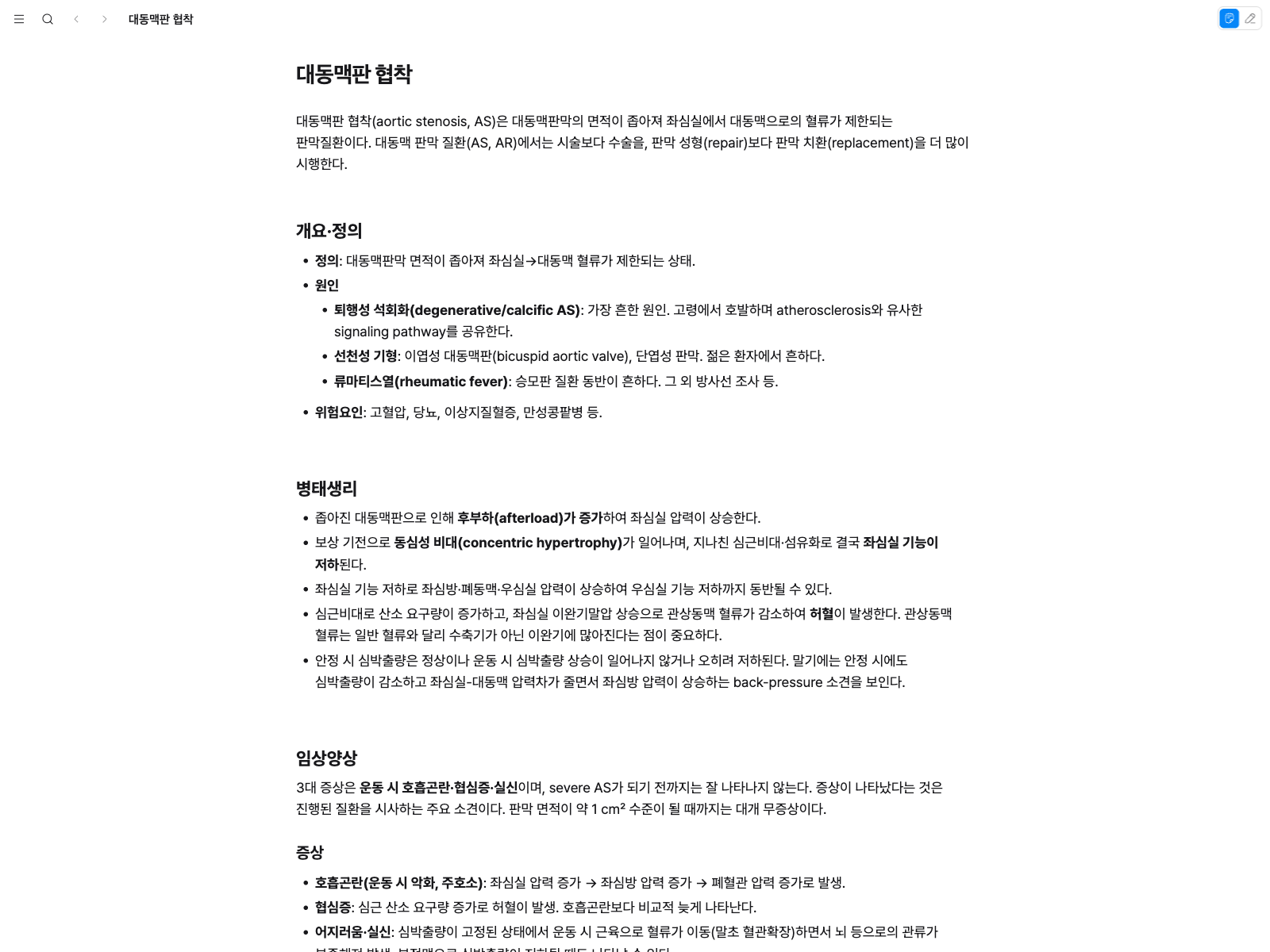
Solving a question is not the end
- Step 1
Solve questions
Work through questions built on a full analysis of past exam patterns. Each answer is saved the moment you select it.
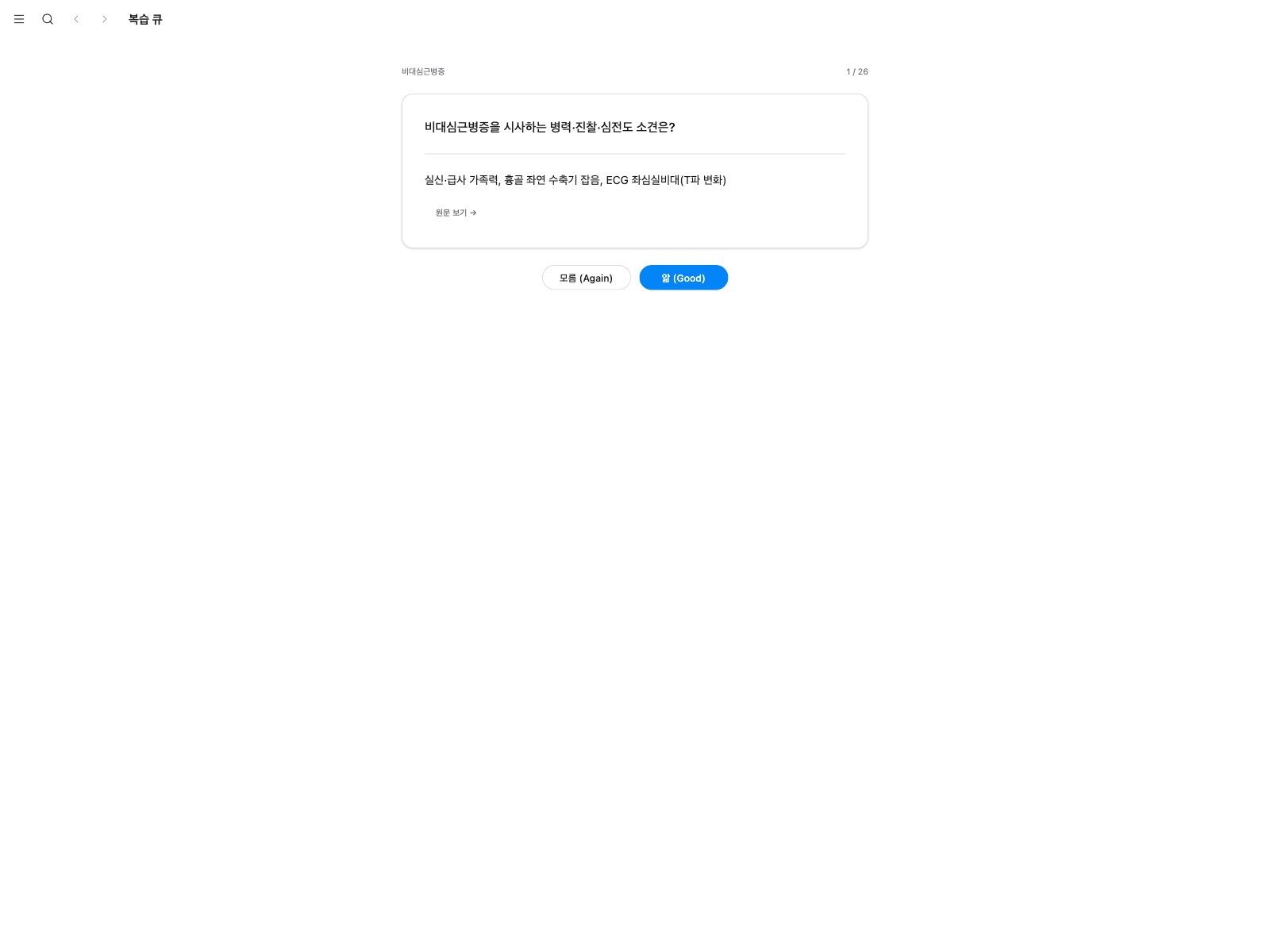
- Step 2
Missed questions enter your review queue
Wrong answers and items you mark as unsure go straight into the review queue. There is nothing to create by hand.
- Step 3
FSRS decides when to review
It calculates when each memory starts to fade and schedules a review only then, so unnecessary repetition drops.
- Step 4
The planner sets today's work
A daily plan is generated by counting back from your exam date. You spend no time deciding what to study.
Eight features, one connected system
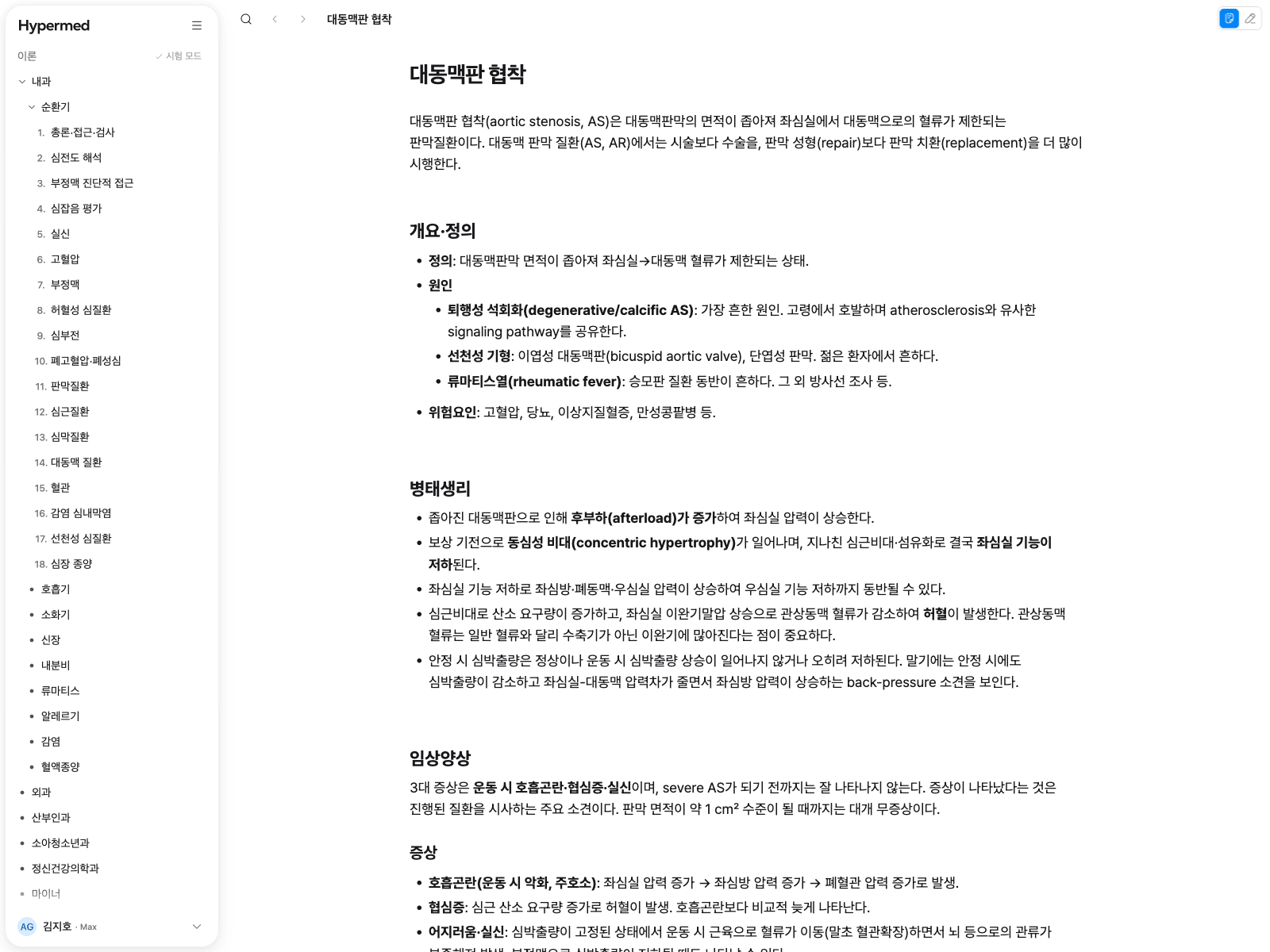
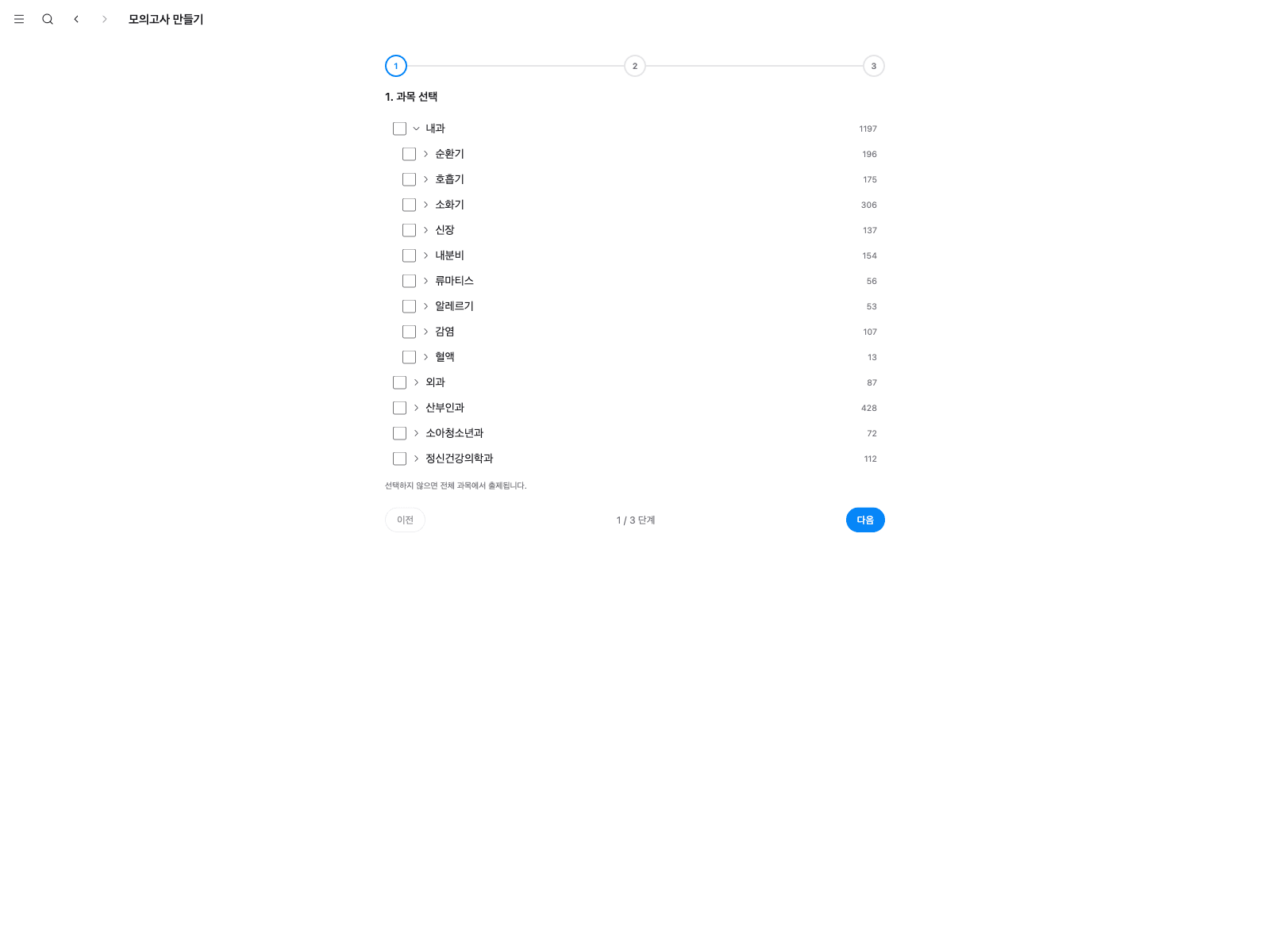
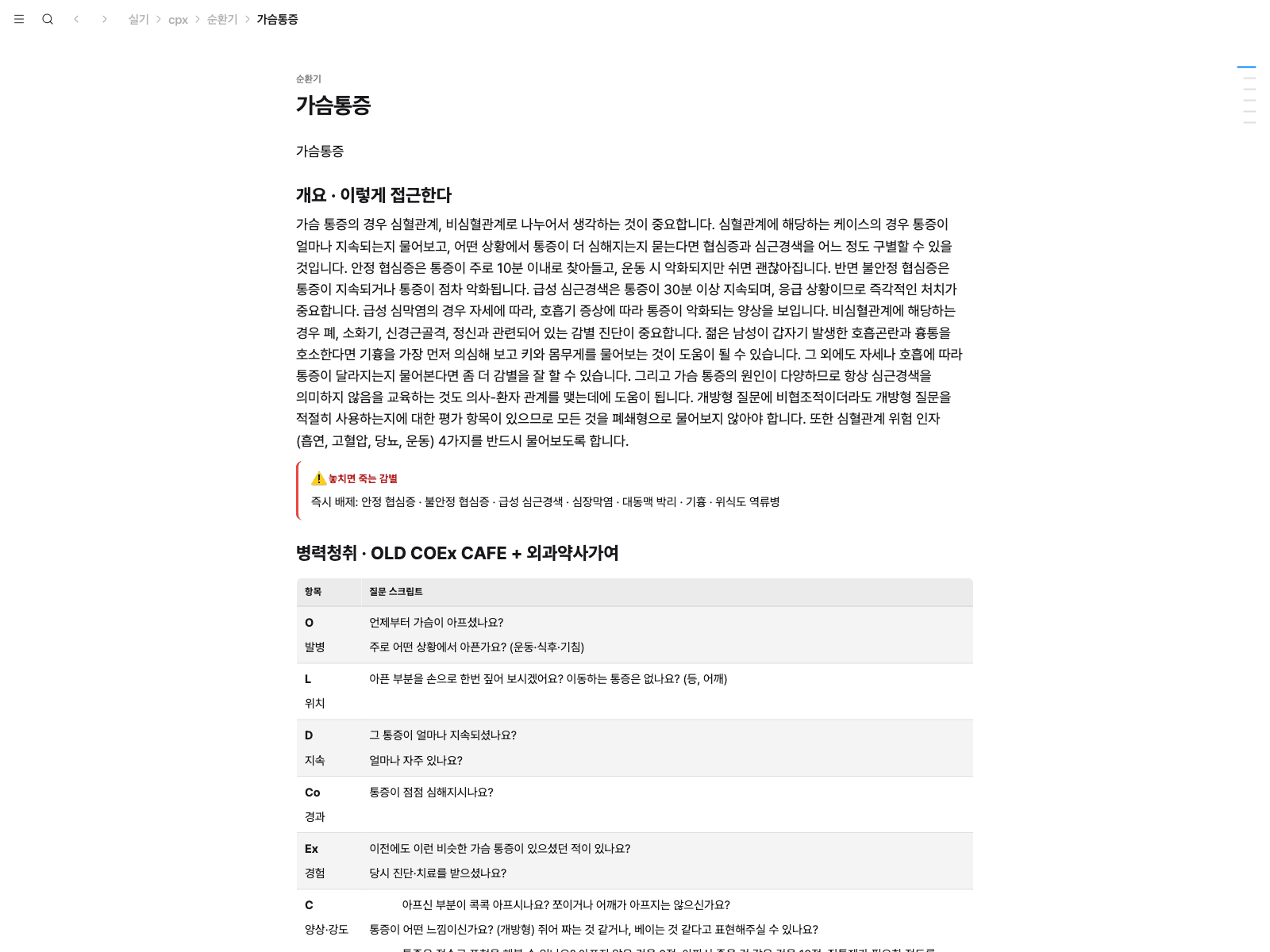
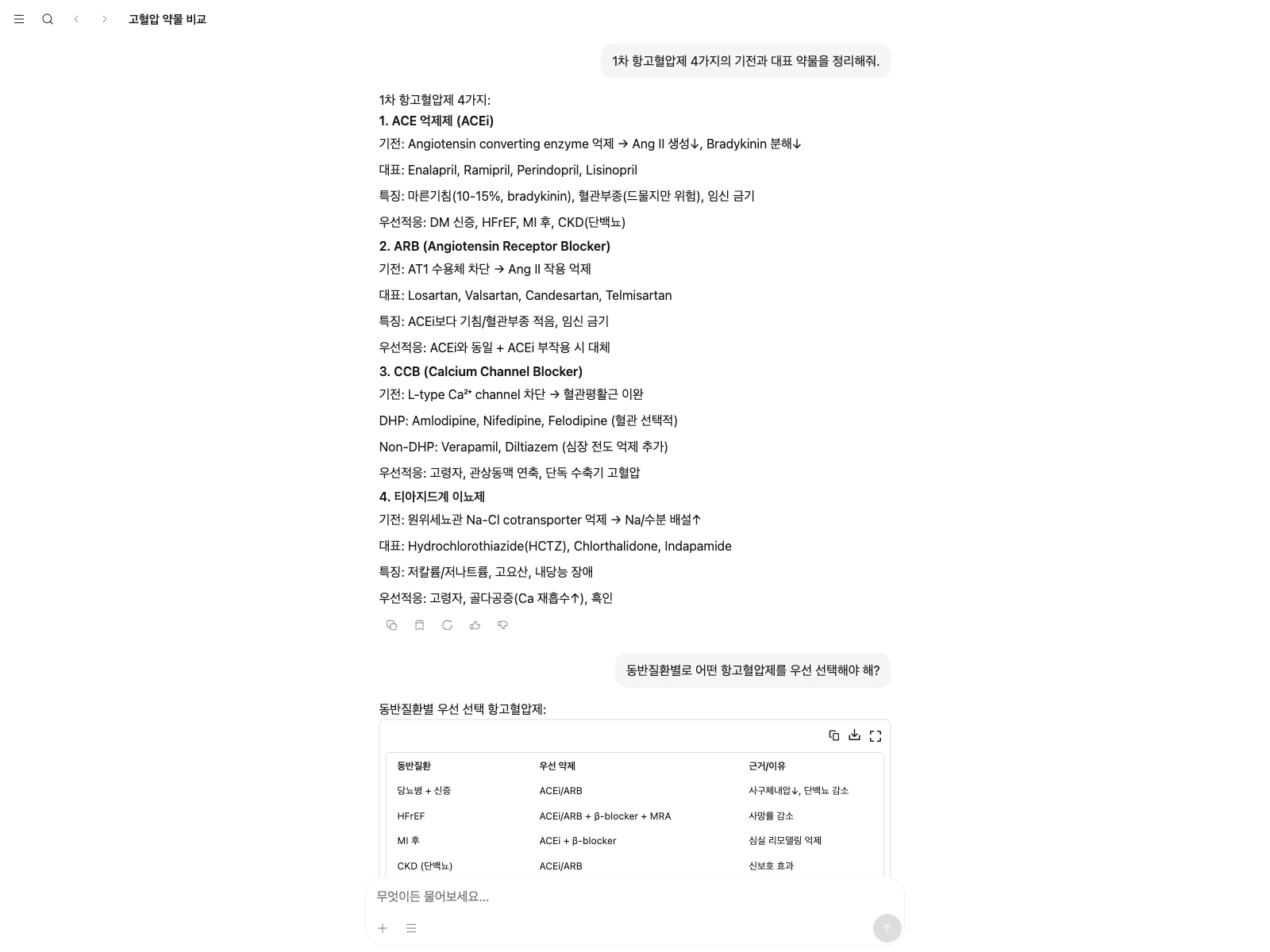
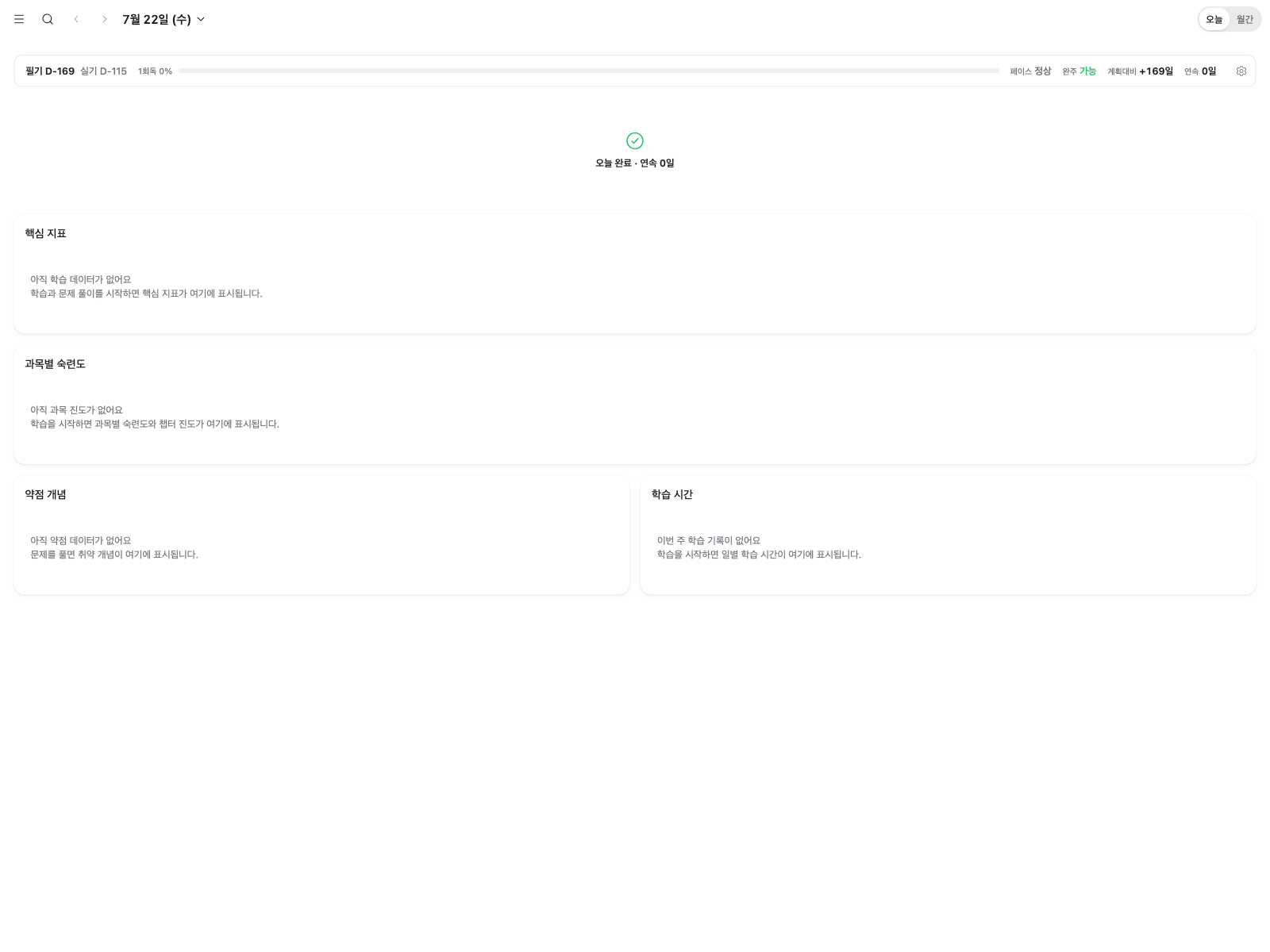
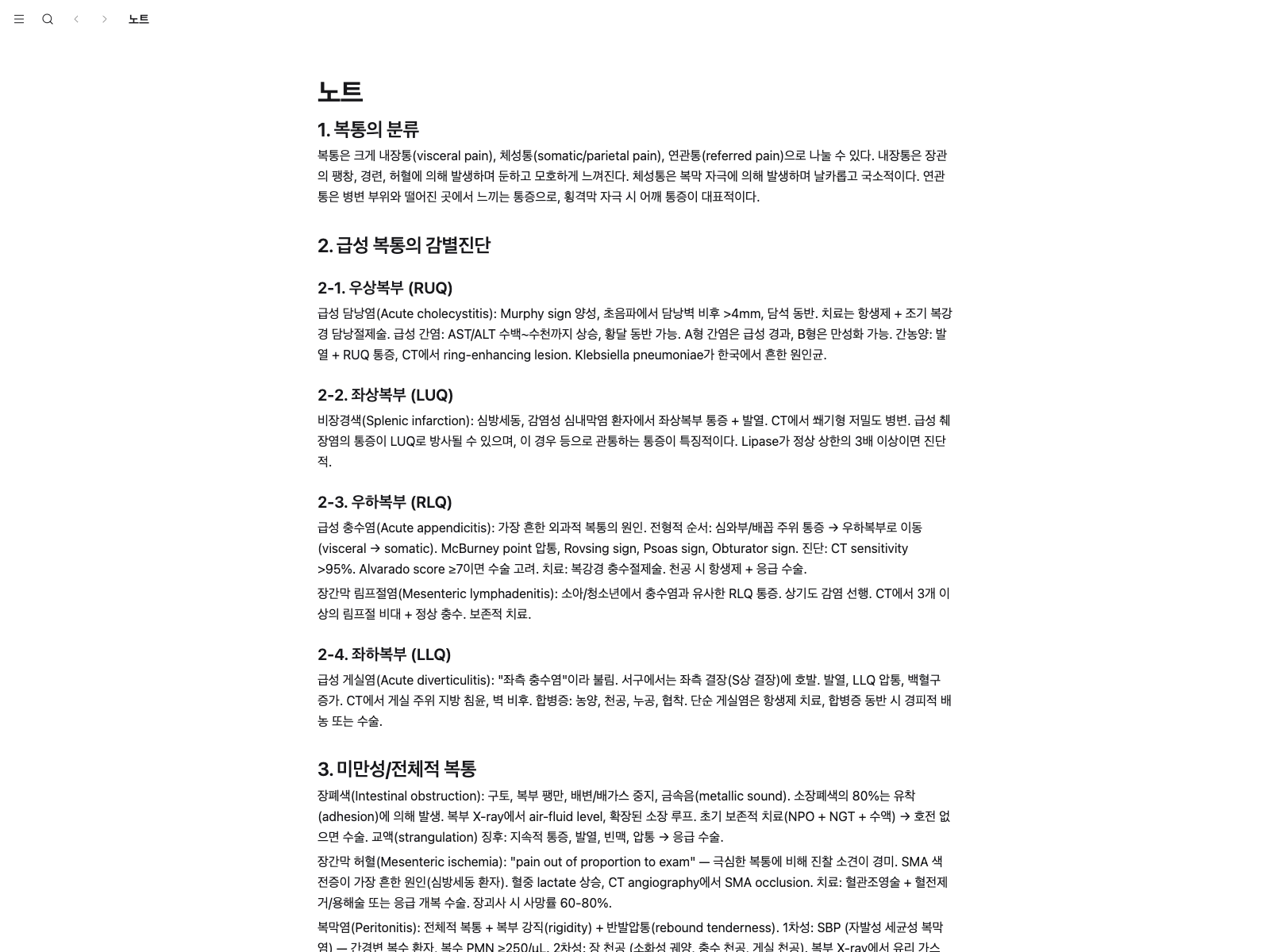
Available on web, iOS, and Android. Designed for tablet screens, and downloaded content can be viewed without an internet connection.
Pricing
Prices increase on the schedule below, without exception.
| Sales period | Standard | Premium |
|---|---|---|
| 2026-08-15 ~ 08-28 | KRW 129,000 | KRW 159,000 |
| 2026-08-29 ~ 09-11 | KRW 139,000 | KRW 169,000 |
| 2026-09-12 ~ 09-25 | KRW 149,000 | KRW 179,000 |
| 2026-09-26 ~ | KRW 159,000 (fixed thereafter) | KRW 189,000 (fixed thereafter) |
Premium (+KRW 30,000)
- Everything in Standard
- CPX voice simulator, 30 sessions per month
- 6 full-length mock exams
- Personal score analysis report
All features are available until January 31, 2027. The sooner you start, the longer your access. Passes for the following year go on sale every February 1.
Both plans include a one-week free trial. No card required.
Frequently asked questions
How many devices can I use?
You can register up to 3 devices, with 1 active session at a time. Signing in on a new device signs out the oldest session.
How do refunds work?
If you have not started using the service, you receive a full refund. If you have, the refund is based on the unused portion. Details are in the Terms of Service and the support and refunds page.
Can I use it without an internet connection?
Downloaded content can be viewed without an internet connection.
Which devices are supported?
Web browsers, iOS, and Android. It is designed for tablet screens.
How do I start the free trial?
After launch, sign up with a Kakao or Apple account and the one-week free trial starts. No card is required, and you are not charged automatically when the trial ends.
Is there an age requirement?
You must be 14 or older.
Get notified at launch
Pre-register and we will email you when we open. One-week free trial, no card required.